Page 1 of 1
Sidebar / Tape bar settings
Posted: Wed Feb 25, 2026 2:38 pm
by Vikits
I have two questions:
1. How do I change the sidebar from right side (default) to bottom (like in boulderdash level collection)?
2. Can I hide it entirely? If so, where is the setting for the same?
Re: Sidebar / Tape bar settings
Posted: Wed Feb 25, 2026 10:24 pm
by TheOnyxGuy
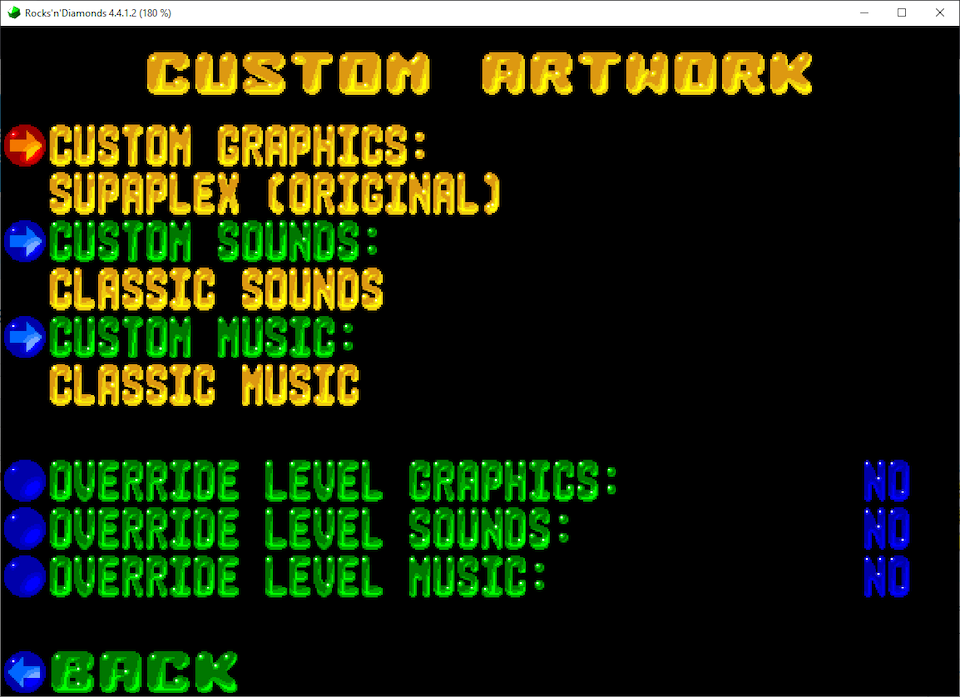
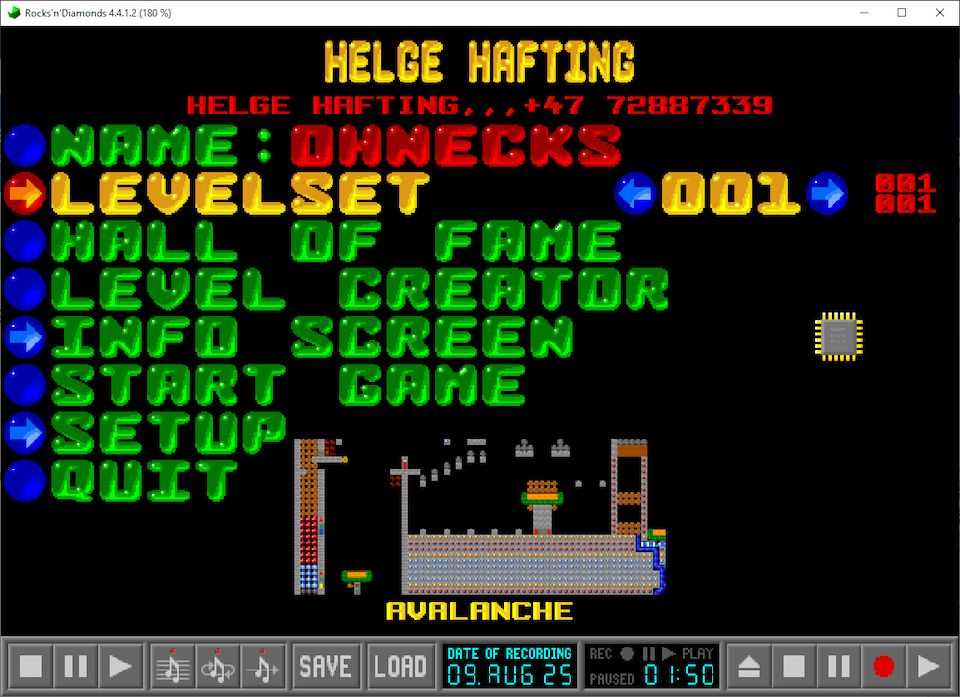
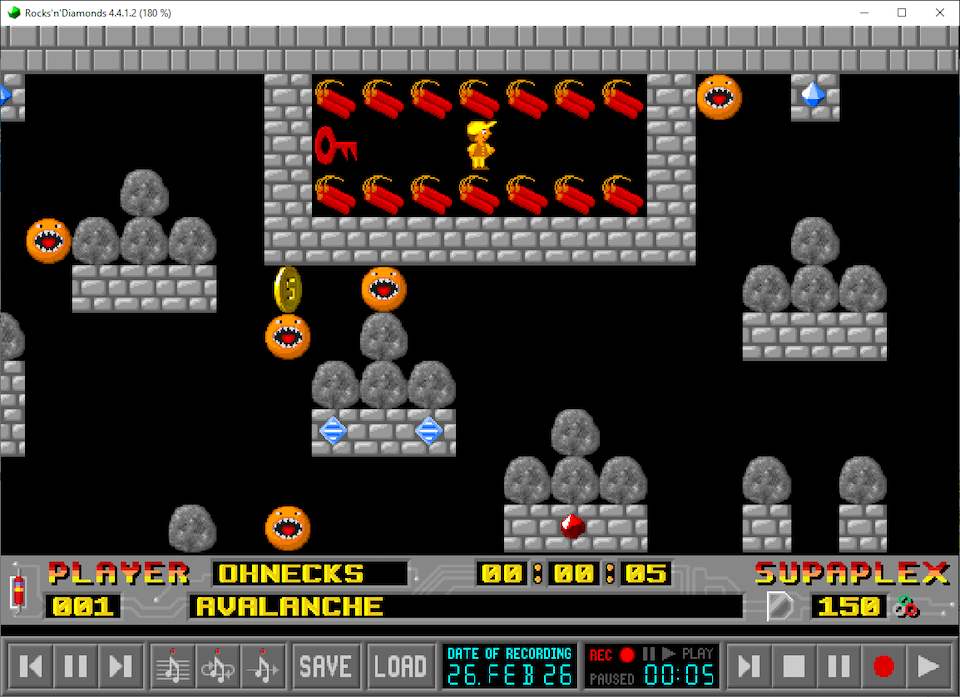
Well, there's no actual setting for changing door placements, but there is a way to use artwork from different levelset if you go to Setup → Custom Artwork → Custom Graphics and choose whatever graphics you want, including screen attributes of that pack.
- alighfl1.png (256.66 KiB) Viewed 37170 times
- alighfl2.png (297.35 KiB) Viewed 37170 times
- alighfl3.png (292.31 KiB) Viewed 37170 times
Although not exactly what you need, but something that may potentially fit your needs is this old pack of mine:
Android Viewport test 0.1 version
(Despite the title, it can be used on computers just as fine)
Re: Sidebar / Tape bar settings
Posted: Thu Feb 26, 2026 4:47 am
by Vikits
Your file showed me the way to do it. Similar to your graphicsinfo.conf file, I too shoved the game panel elements out of sight by setting the game.panel.*.y to -1. Thanks a lot!!
This also led on a side quest of finding all available settings for the conf files by going through source file conf_gfx.c. So many settings are available it is overwhelming.
Re: Sidebar / Tape bar settings
Posted: Thu Feb 26, 2026 5:30 pm
by Vikits
I typed too soon. Actually my previous setting got rid of the game information panel above the bottom tape panel. Seems getting rid of the tape panel requires more work. Still going through your files. Will post my progress if I manage to get rid of the tape panel.